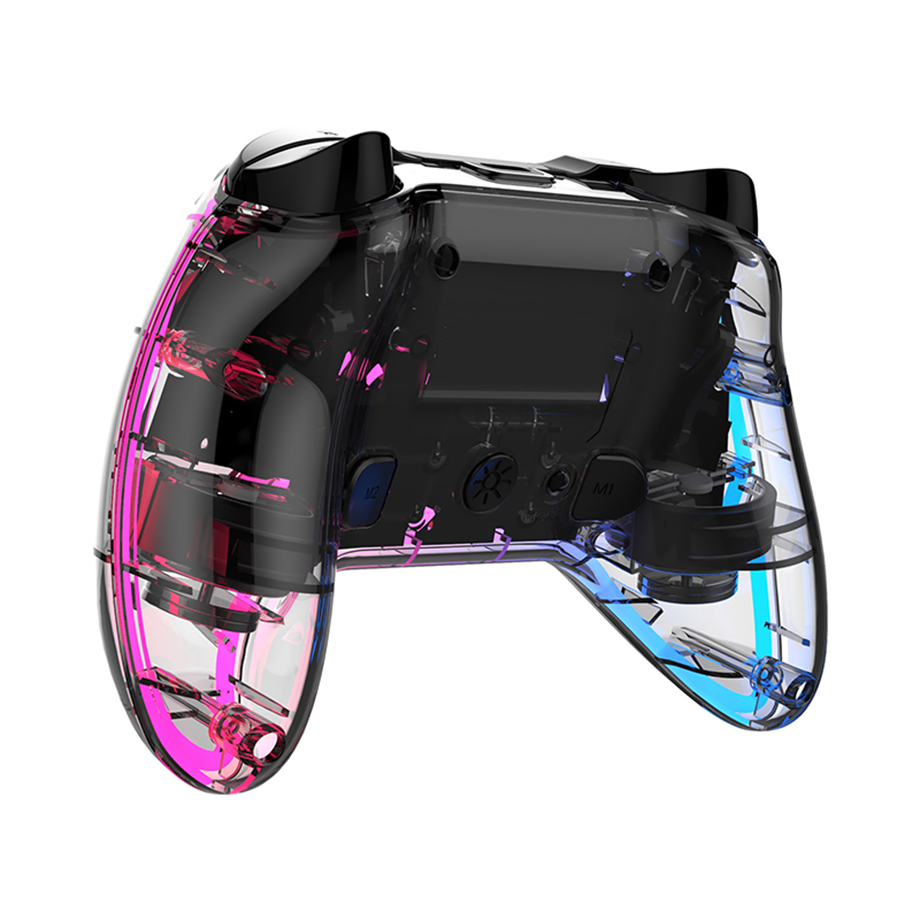
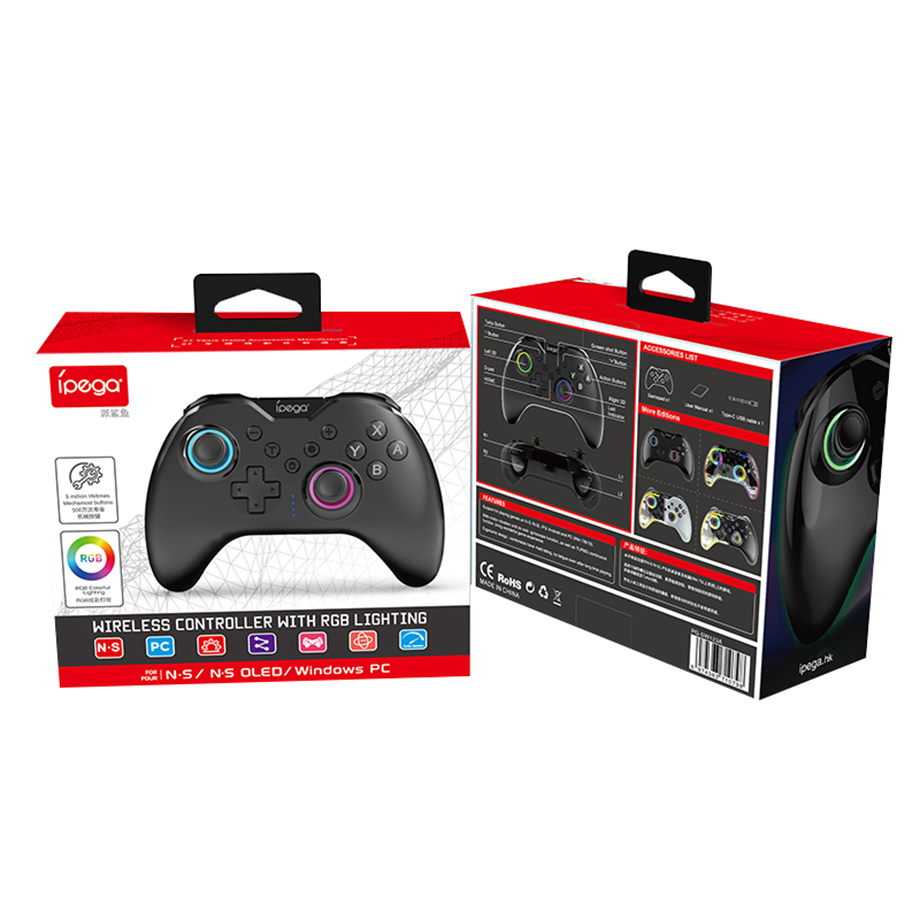
PG-SW123 Wireless Switch BT Game Controller for Switch/Switch 2/PC Programmable Joystick RGB Lighting Dula Vibration Motor Gamepad for NS 2/ NS


Features
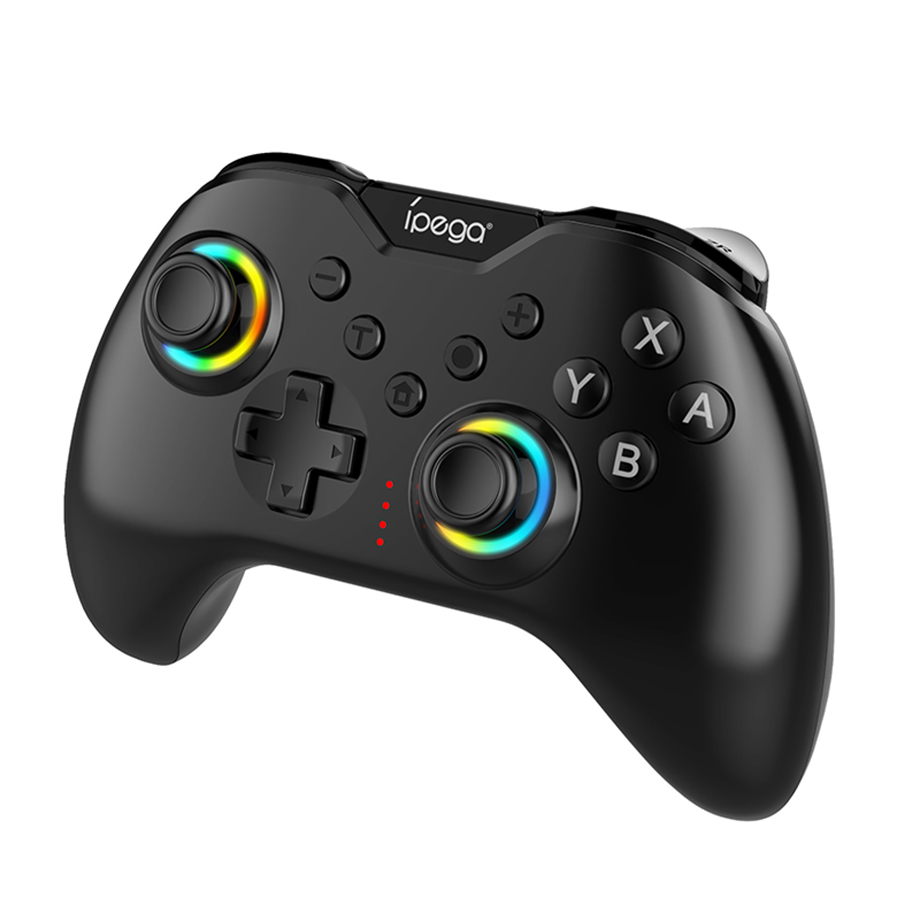
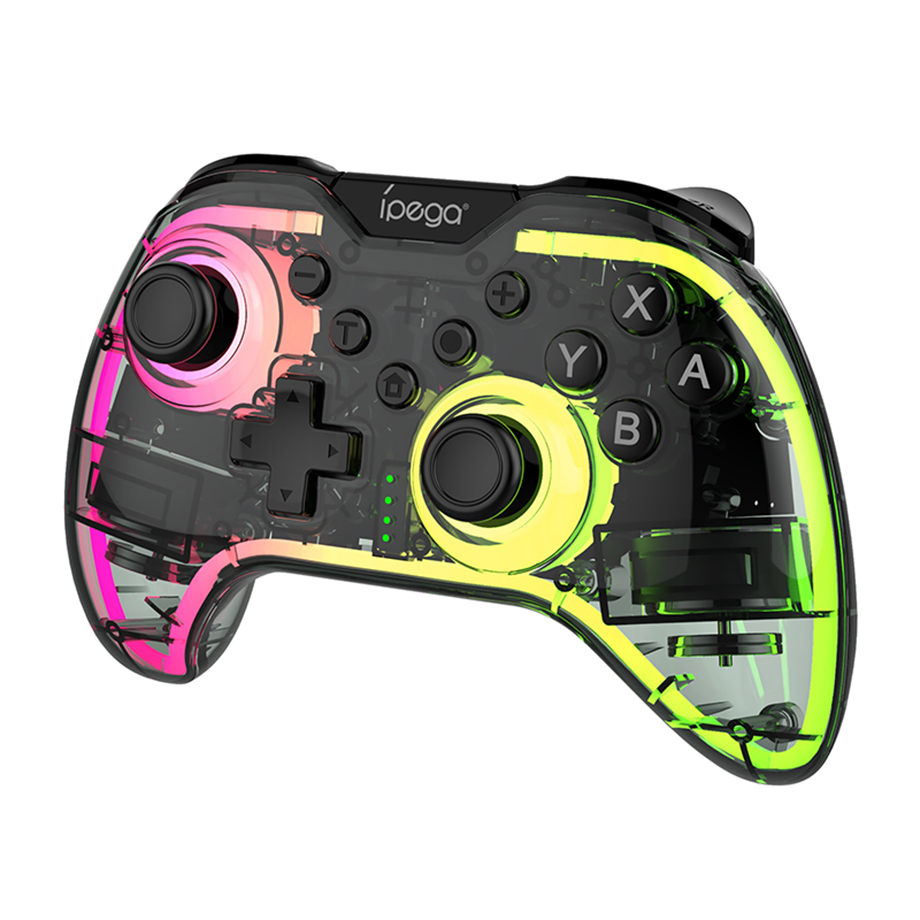
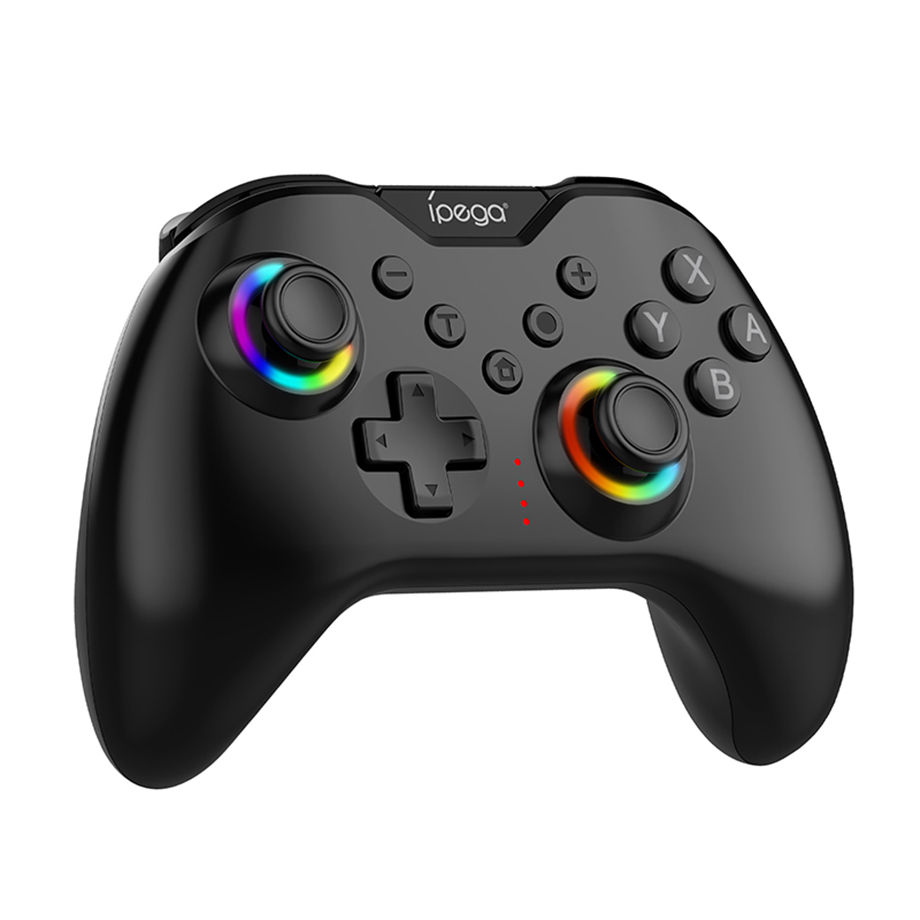
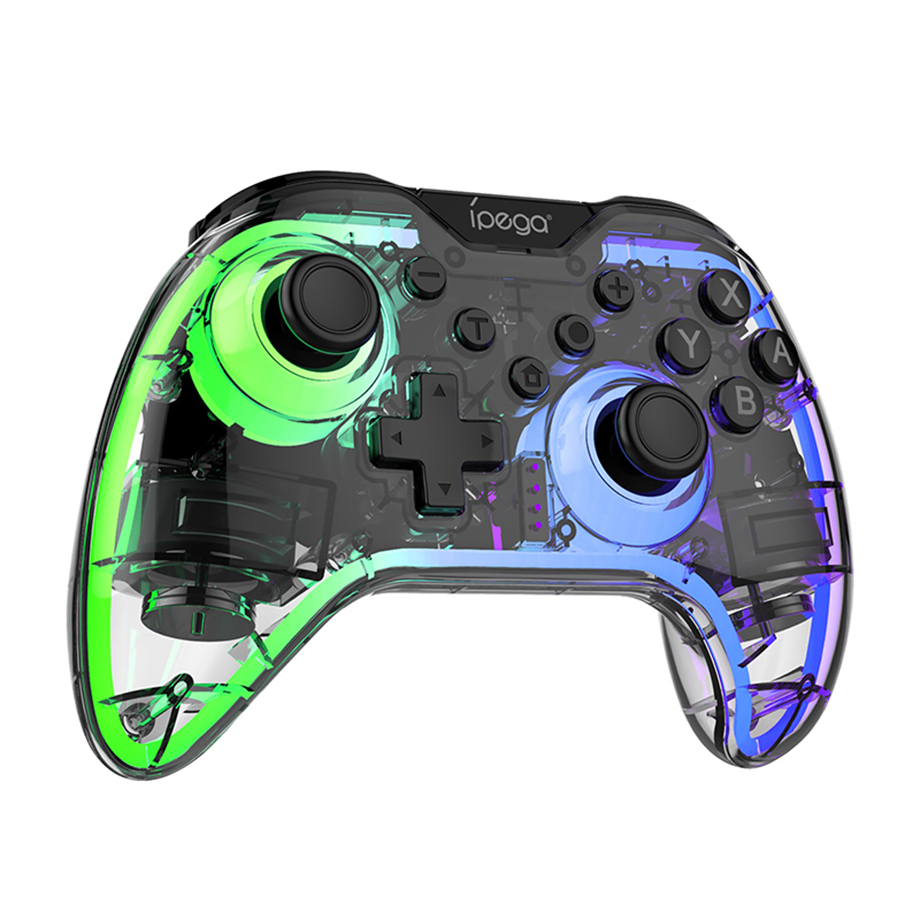
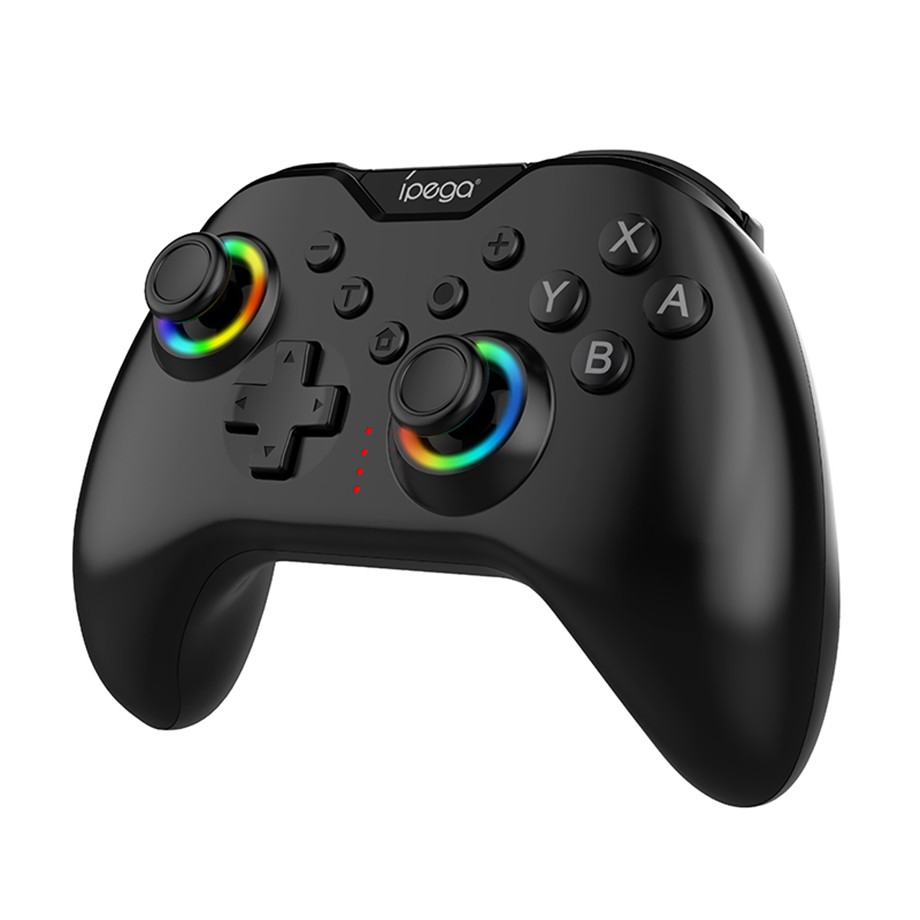
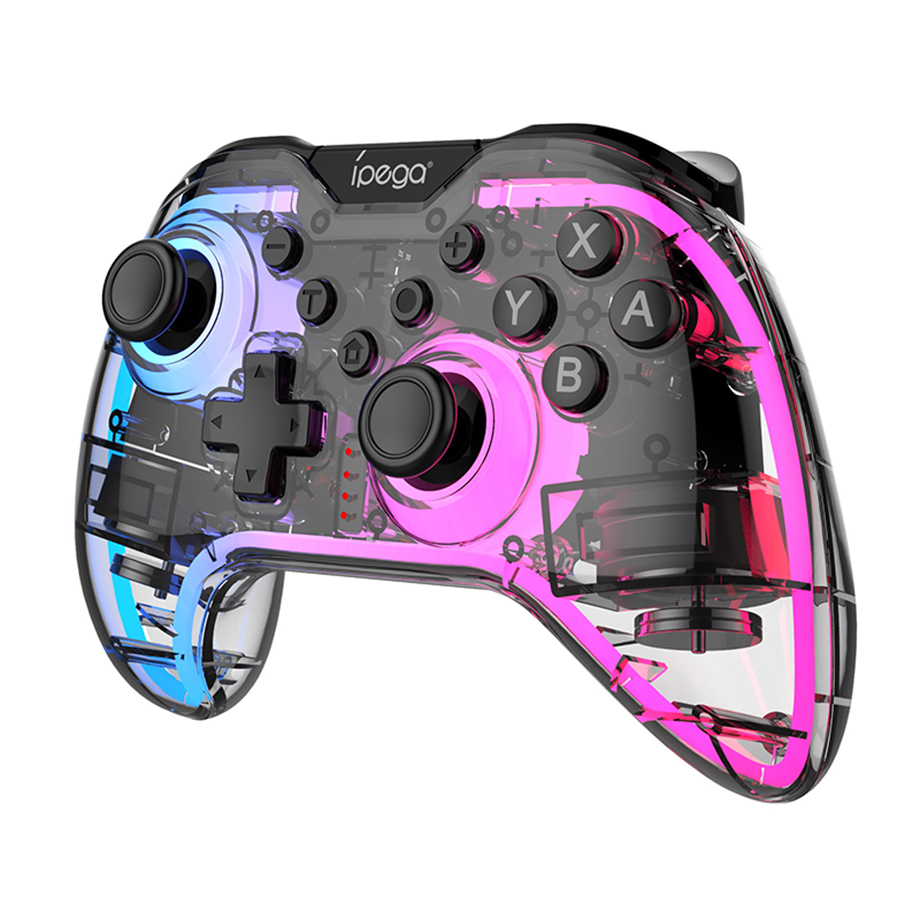
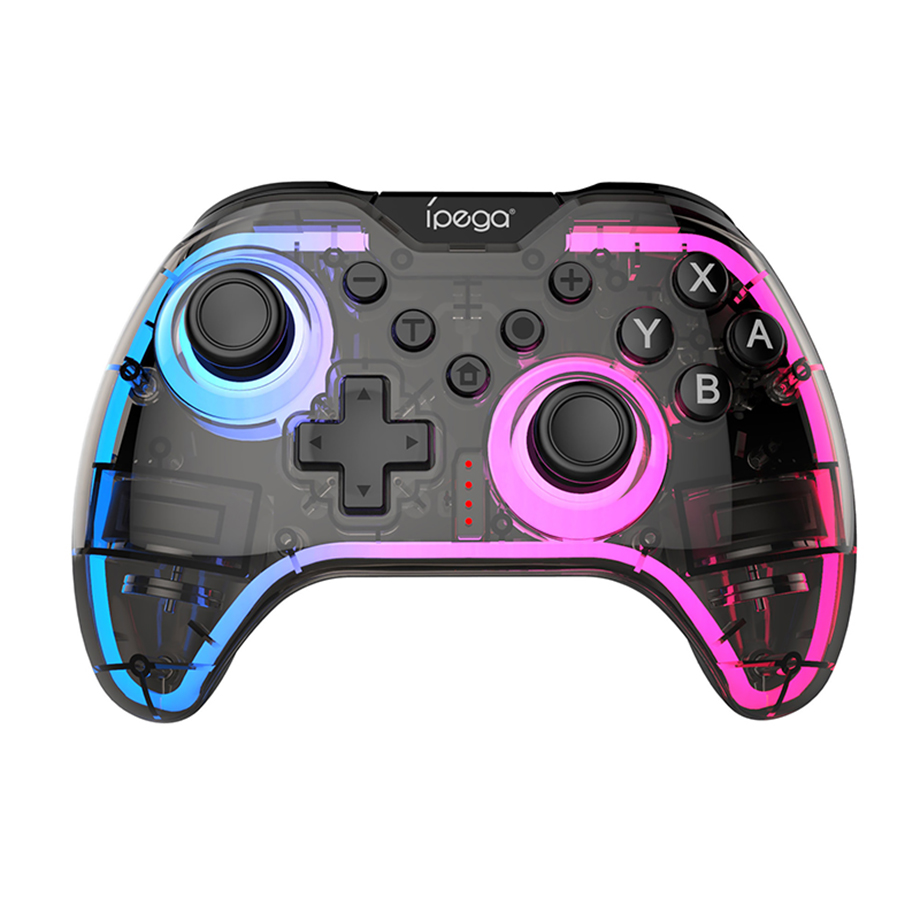
PG-SW123 Wireless Switch BT Game Controller for Switch/Switch 2/PC Programmable Joystick RGB Lighting Dula Vibration Motor Gamepad for NS 2/ NS
Product Application
1.This gamepad is compatible with NS2/ NS consoles and Windows 7 (and above) PCs.
2.The function buttons correspond to the original NS2/ NS Pro Controller button layout.
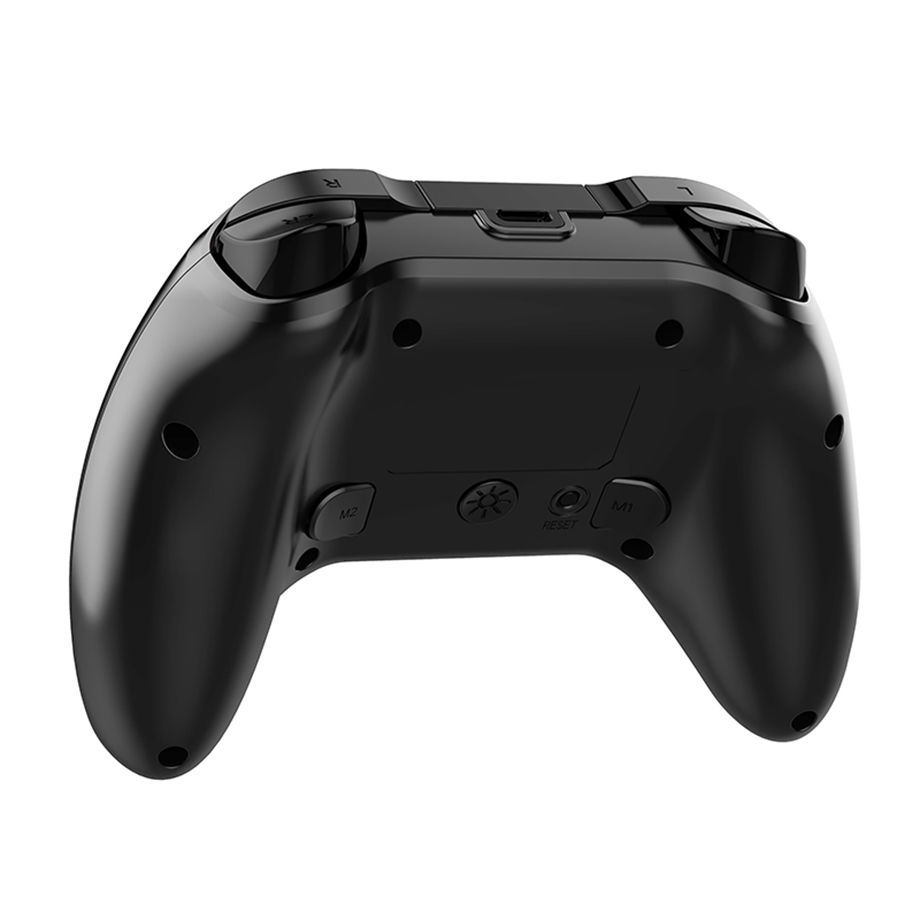
3.Supports Turbo (rapid fire) and Auto functions.
4.Supports dual-motor vibration and 6-axis gyroscope motion sensing for an enhanced
gaming experience.
5.Features RGB colorful lighting effects.
Connection Instructions
Wireless Connection to NS2/NS Console
First-time Connection:
1.Turn on the console. In the main menu, select Controllers → Change Grip/Order.
2.Press and hold the "B" + "HOME" buttons simultaneously for 2 seconds to enter
pairing mode.
3.The LED1-LED4 indicators will cycle rapidly. When a single LED remains solid, the
pairing is successful. Press "A" to operate.
Wired Connection to NS2/NS Console
1.Turn on the console. In the main menu, select Controllers → Change Grip/Order
2. Place the console into the original Dock.
3. Connect the gamepad to the Dock via the USB data cable.The LEDs will cycle.
After about 3 seconds, press the A button to connect. The corresponding LED will flash slowly.
Note: You do not need to press the HOME button to wake the console for this method.
Wired Connection to PC
1. With the controller powered off, connect it to a PC using a USB cable.
2. It will automatically enter PC 360 (XInput) Mode; LED1 will stay solid.
Note: Gyroscope is not supported in wired PC mode.
Product Specifications
| Working current | 25mA (RGB OFF) / 125mA (RGB ON) |
| Static current | < 20uA |
| Charging current | approx. 300mA |
| Charging time | approx. 2.5 hours |
| Battery life | approx. 10 hours |
| Battery | 500mAh / 3.7V |
Packing List
1* PG-SW123 Wireless Controller
1* User Manual
1* Type-C Cable
Products categories
-

SN30 Pro Game Controller 8BitDo Gamepad Game Jo...
-

X D9 Game Controller Competitive Stretch Handle...
-
2.4G Wireless Game Controller For Xbox One Acce...
-
2.4G Wireless Game Controller with OTG Adapters...
-

AB02S Wireless Game Controller for Switch &...
-

Anbernic RG P01 BT Game Controller Gamepad Joys...
-

CM-617 Switch Hall Joystick Computer Game Contr...
-

CM-618 Wireless Game Controller Six Axis Gyrosc...
-

D11 Stretch Game Controller Gamepad Hall Trigge...
-

D10 D10S Telescopic Wireless Gamepad Controller...
-
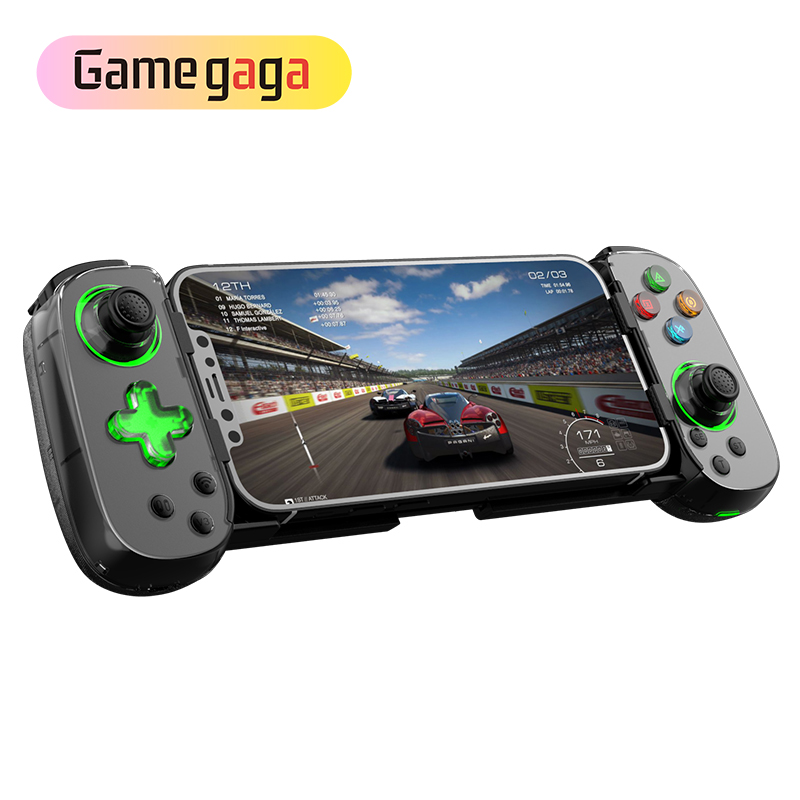
D7 BT Wireless Stretch Gamepad Led Joystick BT...
-

D8 Telescopic Game Controller Wireless handle f...
-

For Switch OLED Joy-01 Mini Game Controller Cha...
-

G7 Competitive game controller support TURBO co...
-

G6 Mobile Game Controller GamePad Hall effect j...
-

HD-056Y USB wired game controller